
How to Use Asset Tags on Hardware


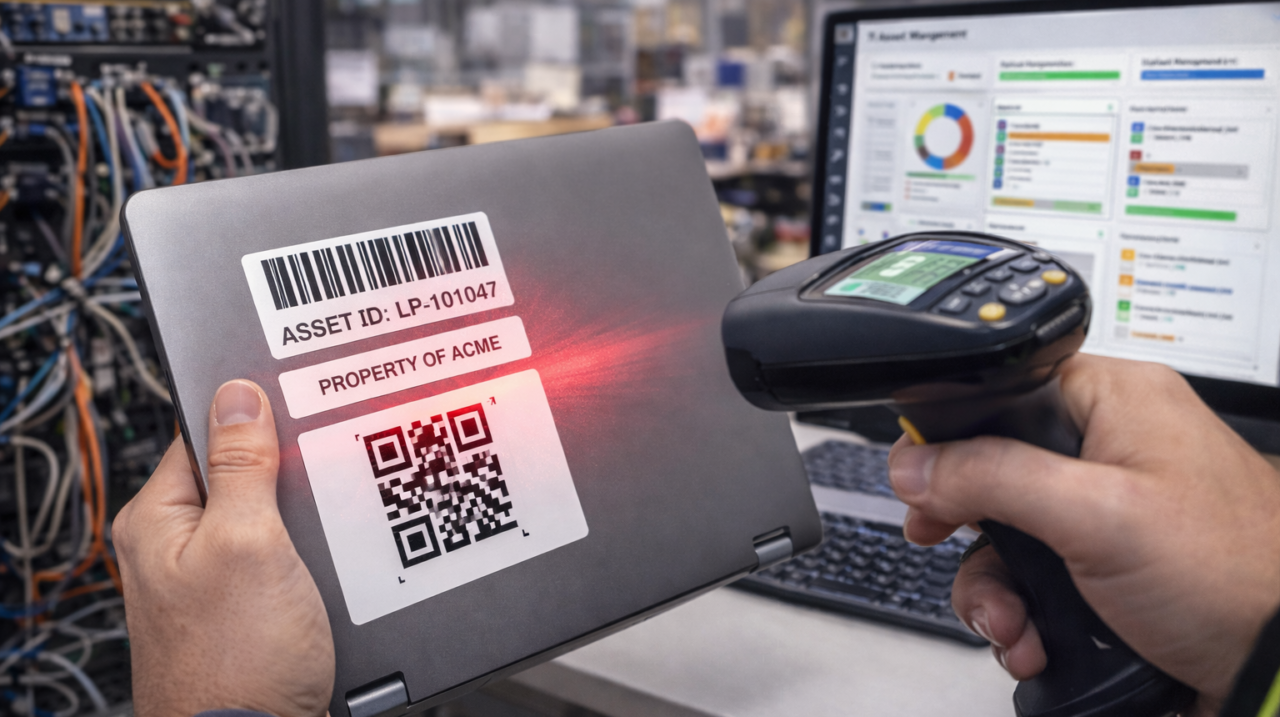
At first, using asset tags on hardware might seem unnecessary, but as your hardware inventory grows, they become essential. Asset tags help you keep track of what you own, where it is, and who is using it, whether it’s laptops, desktops, servers, networking devices, or manufacturing equipment.
An asset tag is a small sticker or label with a unique number, barcode, or QR code. This number becomes the device’s identity. Instead of just being “a laptop” or “a switch,” it’s now Asset-02341 or IT-LAP-118. This simple step makes tracking and accountability much easier.
Start by choosing the right type of asset tag. For most IT hardware, a durable vinyl or polyester sticker is a good choice because it resists heat, dust, and normal wear. For harsh environments like factory floors, outdoor cabinets, or high-temperature areas, use metal or tamper-resistant tags. Avoid cheap paper labels since they peel off, fade, and can cause confusion later.
After you have your tags, set up a consistent tagging format. Many organizations make mistakes here by randomly numbering devices. Instead, decide on a clear structure, such as:
- IT-LAP-0001 for laptops
- IT-DSK-0001 for desktops
- NET-SW-0001 for switches
Consistency matters more than the specific format you choose. Anyone looking at the tag should be able to tell right away what type of hardware it is.
The next step is placing the asset tag on the device. This is important. The tag should be:
Easy to see without opening the device
Hard to remove accidentally
Not blocking vents, ports, or labels.
For laptops, put the tag on the bottom panel or near the keyboard edge. For desktops, use the front or top side. For servers and network equipment, the front face or the side visible in the rack works best. Avoid placing tags where heat, friction, or frequent cleaning could damage them.
After you tag the hardware, the next and most important step is to record the asset in an asset register or management system. Link the tag number to real information, such as:
- Device type and model
- Serial number
- Purchase date
- Warranty details
- Assigned user or department
- Physical location
If you skip this step, asset tags are just stickers. Their value comes from linking the physical tag to accurate data.
When you give hardware to users, always assign the asset tag to a specific person or team. Include this in your handover process. If you can, have the user confirm the asset tag number in writing, such as by email or in your system. This helps prevent disputes and encourages responsibility.
Asset tags are also important for maintenance and audits. During audits, you can walk through the office or plant, scan the tags, and quickly check which assets are present or missing. For repairs, service teams can use the tag number instead of guessing by model or location.
Another best practice is to never reuse asset tag numbers. Even if a device is scrapped, retired, or sold, keep that tag number retired. Reusing tags can cause confusion and problems during audits.
Finally, make sure to train your staff. Everyone who handles hardware should know that asset tags are important and not just decoration. They should not be removed, scratched, or covered. If a tag is missing, it should be reported right away.
In practice, asset tagging saves time, reduces losses, makes audits easier, and helps keep hardware management organized. A little effort now can prevent bigger problems in the future.


 Feb 13, 2026
