
A Free Guide to IT Asset Lifecycle Management

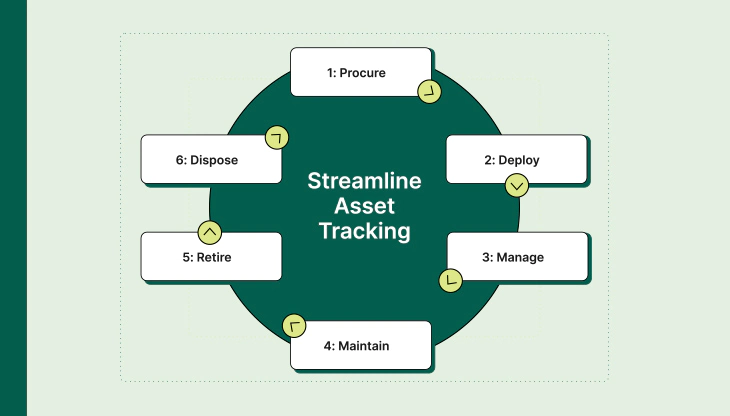
IT Asset Lifecycle Management (ITALM) is not a buzzword and it’s not optional anymore. If your organization owns laptops, servers, network devices, software licenses, or cloud subscriptions, you already have an asset lifecycle—whether you manage it properly or not. The difference between control and chaos is structure, visibility, and discipline.
This guide breaks IT asset lifecycle management down in plain language, without theory overload, and focuses on what actually works in real environments.
What Is IT Asset Lifecycle Management?
IT Asset Lifecycle Management is the structured process of managing IT assets from the moment a need is identified until the asset is retired and disposed of. The lifecycle typically includes:
Planning
Procurement
Deployment
Utilization
Maintenance
Retirement and Disposal
The goal is simple: get maximum value from assets while minimizing risk, cost, and operational surprises.
1. Planning: Where Most Organizations Fail
Lifecycle management starts before you buy anything. Planning means understanding:
- What asset is needed
- Why it’s needed
- Who will use it
- How long it should last
- What it will cost over its lifetime
Skipping this stage leads to overbuying, underutilization, and license sprawl. A solid plan aligns IT purchases with business needs instead of reacting to last-minute requests.
2. Procurement: Control the Entry Point
Procurement is where assets officially enter your environment. This stage should capture:
- Vendor details
- Purchase date and cost
- Warranty and support contracts
- Serial numbers or license keys
If assets are purchased outside a controlled process, tracking breaks immediately. Shadow IT usually starts here. Centralized procurement with mandatory asset registration prevents that.
3. Deployment: Assign Ownership Early
Once an asset is received, it must be:
- Tagged (barcode or digital ID)
- Assigned to a user, department, or location
- Logged with configuration details
Ownership matters. An unassigned asset becomes invisible fast. Deployment records answer critical questions later: Who had it? Where was it used? What data touched it?
4. Utilization: Measure What You Actually Use
Many organizations own far more than they use. Utilization tracking reveals:
- Idle hardware
- Unused software licenses
- Assets suitable for redeployment
This is where IT asset management directly saves money. Reusing a laptop or reclaiming licenses is cheaper than buying new ones. Without utilization data, those savings are impossible.
5. Maintenance: Protect Performance and Security
Maintenance is not just fixing broken hardware. It includes:
- Patch management
- Firmware updates
- License renewals
- Warranty tracking
- Preventive servicing
Poor maintenance leads to downtime, security incidents, and surprise expenses. Lifecycle-aware maintenance schedules reduce outages and extend asset life without increasing risk.
6. Retirement and Disposal: The Most Ignored Stage
Every asset reaches the end of its useful life. Retirement must be intentional and documented. This stage includes:
- Data wiping and verification
- License termination or reassignment
- Compliance with e-waste regulations
- Disposal or resale documentation
Improper disposal is a security and compliance nightmare. Data leaks often come from retired assets that were never properly sanitized.
Why IT Asset Lifecycle Management Matters
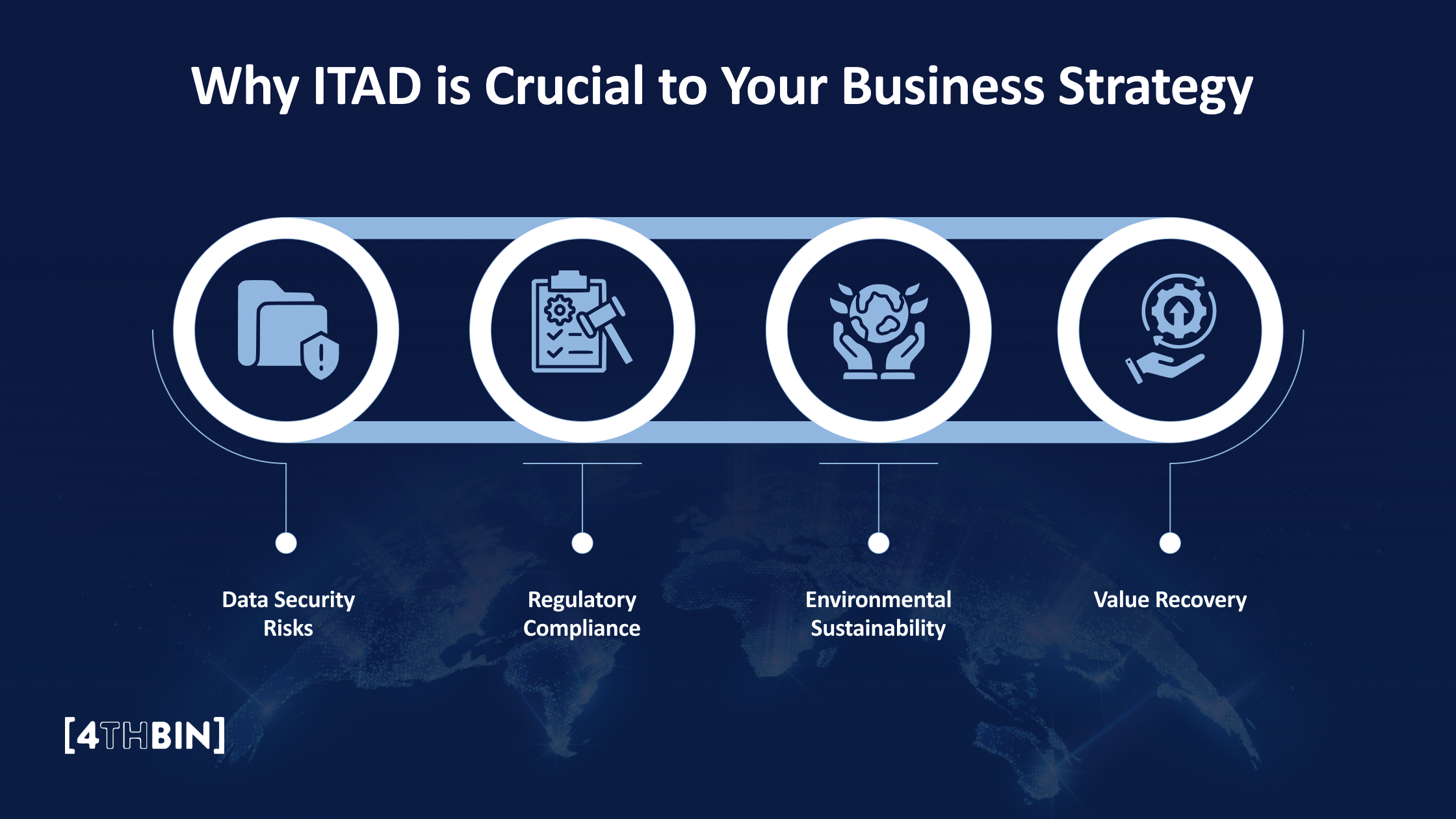
Organizations that manage the full lifecycle see clear benefits:
- Lower IT spending through reuse and optimization
- Stronger security and audit readiness
- Faster troubleshooting and incident response
- Better forecasting and budgeting
- Reduced compliance risk
This is not about micromanagement. It’s about visibility and accountability.
Final Thoughts
IT asset lifecycle management is not a one-time project. It’s an operational discipline. Tools help, but process matters more. If you can answer what you own, where it is, who uses it, and when it should exit, you are already ahead of most organizations.
Start simple. Track consistently. Enforce ownership. The lifecycle will take care of itself once the fundamentals are in place.


 Feb 13, 2026
